We will send you a notification as soon as this product is available again.
Email is required.
Email is required.
We respect your privacy and do not share your email with anyone else.
We will send you a notification as soon as this product is available again.


Bring Creativity to Every Moment of Life


Genuine Praise from Real Creators

Rhonda Magritzer
"As a resin artist, M2 helps me in ways I couldn't imagine."

Keisha Diana
"With Box Generator on Atomm, I went from papercrafting to my first wood project with ease. I'd like to try all generators!"

Bloomingdale Collections
"M2 gives me the impressive precision to create intricate paper flowers, while making my workflow much more efficient."

Hope Brocata
"The M2 delivered incredibly vibrant color directly on canvas."

Alex Sedlay
"M2 helps me give everyday items a more polished look. It is awesome and very simple to use. Work flow is fast."

Bloomingdale Collections
"M2 helps me handle so many different materials has opened up new product possibilities. It continues to inspire me to experiment and bring new ideas to life."
Trusted by Creators, Proven for ROI

An immersive journey through all the crafts you can make with M2!

Testing what happens when printing, cutting and engraving all in xTool M2.

6X faster, more precise cuts—see how M2 stacks up against traditional cutting machines.

xTool is the literal god of this arena when it comes to the modern consumer laser workflow.
Best Choice by Top Media

“What's surprising for a machine of this price is that the M2 ticks all the boxes.”

“This new device is excellent in its own right.”

“The xTool M2 deserves a place in our list of the Best Laser Cutters and Engravers.”

“It could potentially be one of the most affordable ways to start an Etsy shop.”

“xTool M2 Makes Laser Crafting Accessible Without Requiring Design Skills.”

“A laser engraver makes permanent labels ridiculously easy to create.”
Why Upgrade to the xTool M2?
See what you gain when you move from your used machine to the easiest craft laser with color printing.
A Wide Range of Accessories
to Make Creating Easier


Premium materials for xTool M2
 41 % off
% off
% off
% off
% off
% off
41 % off
% off
% off
% off
% off
% off


What Are the Advantages of the M2 Ink Cartridge?
Print on More Materials. Not Just Paper.
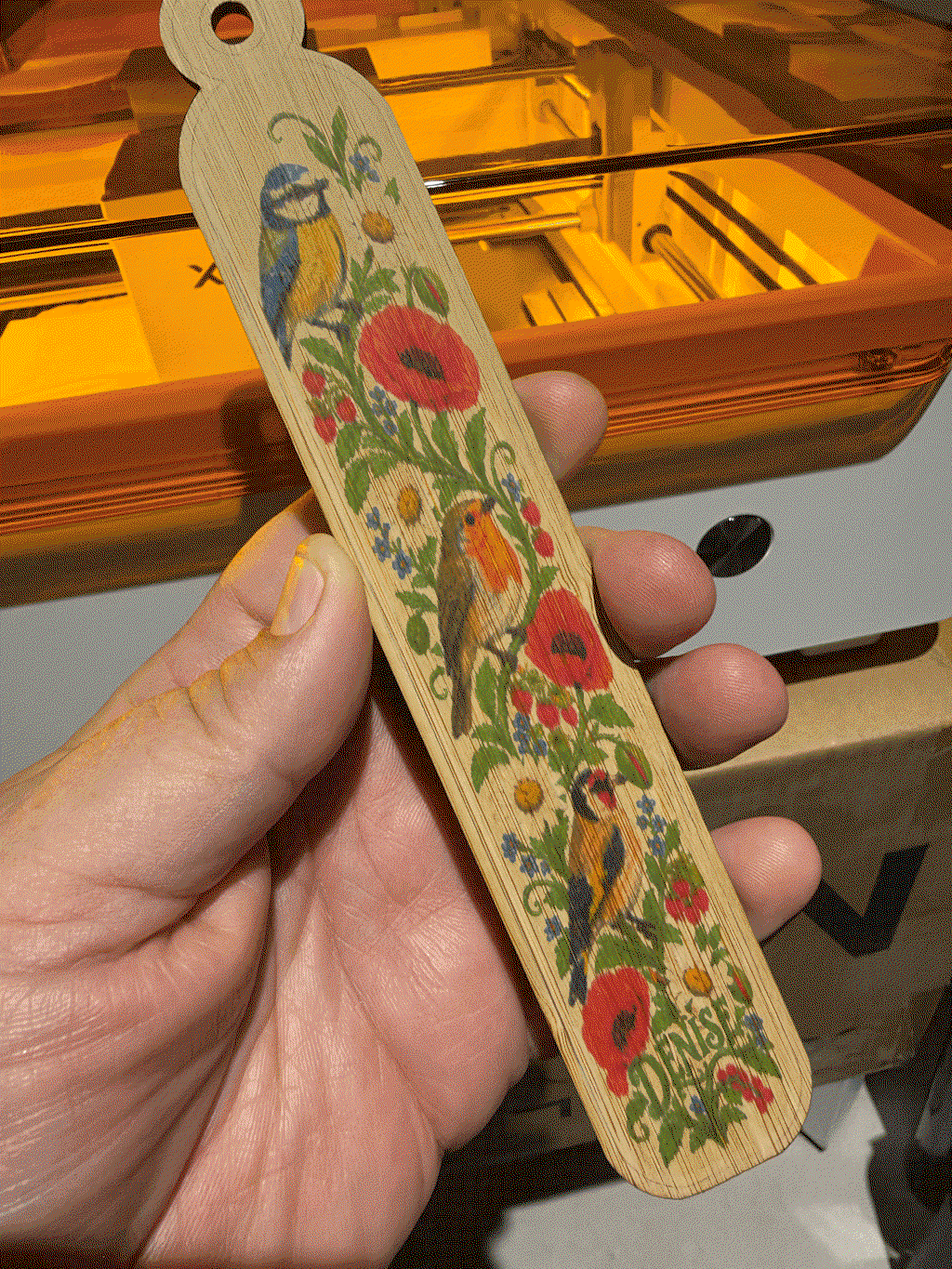
Unlike home printers, xTool M2 brings your colorful ideas beyond paper. Print full-color designs directly onto more materials — then craft them into decorations, accessories, and one-of-a-kind creations. Since the ink is water-based, keep your finished pieces away from water to preserve the colors.
In the Box
FAQ
Shipping timelines may vary by bundle. Orders are processed in the order they are received, and the longest estimated shipping time is up to 14 business days. Please refer to the shipping information on the product page for the estimated timeline of your selected bundle.
The inkjet module works best on fabric, wood, paper, and other similar porous surfaces. It cannot print directly on very dense or smooth surfaces such as metal, glass, or ceramic, because the ink cannot properly penetrate or adhere to them. To print on these materials, a suitable adhesion coating must be applied first.
Ink yield depends on how often you use it. Based on the ISO/IEC 24712 standard (5% coverage), one cartridge can print approximately 400 pages.
To help extend its lifespan:
No. Thanks to the M2's side-mounted laser path, you can engrave objects from 0 to 100 mm thick—such as insulated tumblers, balls, or rings—without any riser base.
For regular laser use, we recommend the xTool Desktop Air Purifier as a cost-effective option.
For frequent cutting or materials that produce stronger odors, we recommend the SafetyPro™ AP2 Air Purifier for stronger filtration and better odor control.
Already own an xTool Desktop Air Purifier? The M2 adapter will be included automatically for eligible same-email orders. If it is missing, please submit a support ticket here to receive one for free after verification.
To disperse laser heat and help prevent yellowing on the edges:
No. The M2 has a built-in air pump (air assist), delivering cut results that are just as clean as an external system. You can adjust the airflow level to match your specific engraving or cutting needs.
Note: Since the M2 does not include an external air port, connecting a third-party pump is not supported.
Yes. To use RA3 with xTool M2, you will need the M2 Adapter Kit. The kit is not yet available for purchase and is expected to launch around the end of June. Please refer to the product page for the latest availability.
M2 supports printing, cutting, and engraving on materials such as paper, fabric, wood, leather, acrylic, metal, and more, depending on the module used. Never laser PVC, PC, or leather and foam with unknown compositions. Check the M2 Material Cheat Sheet for Beginners for detailed compatibility and safety information.
Ive produced a few projects on the M2 now and all have been a success.
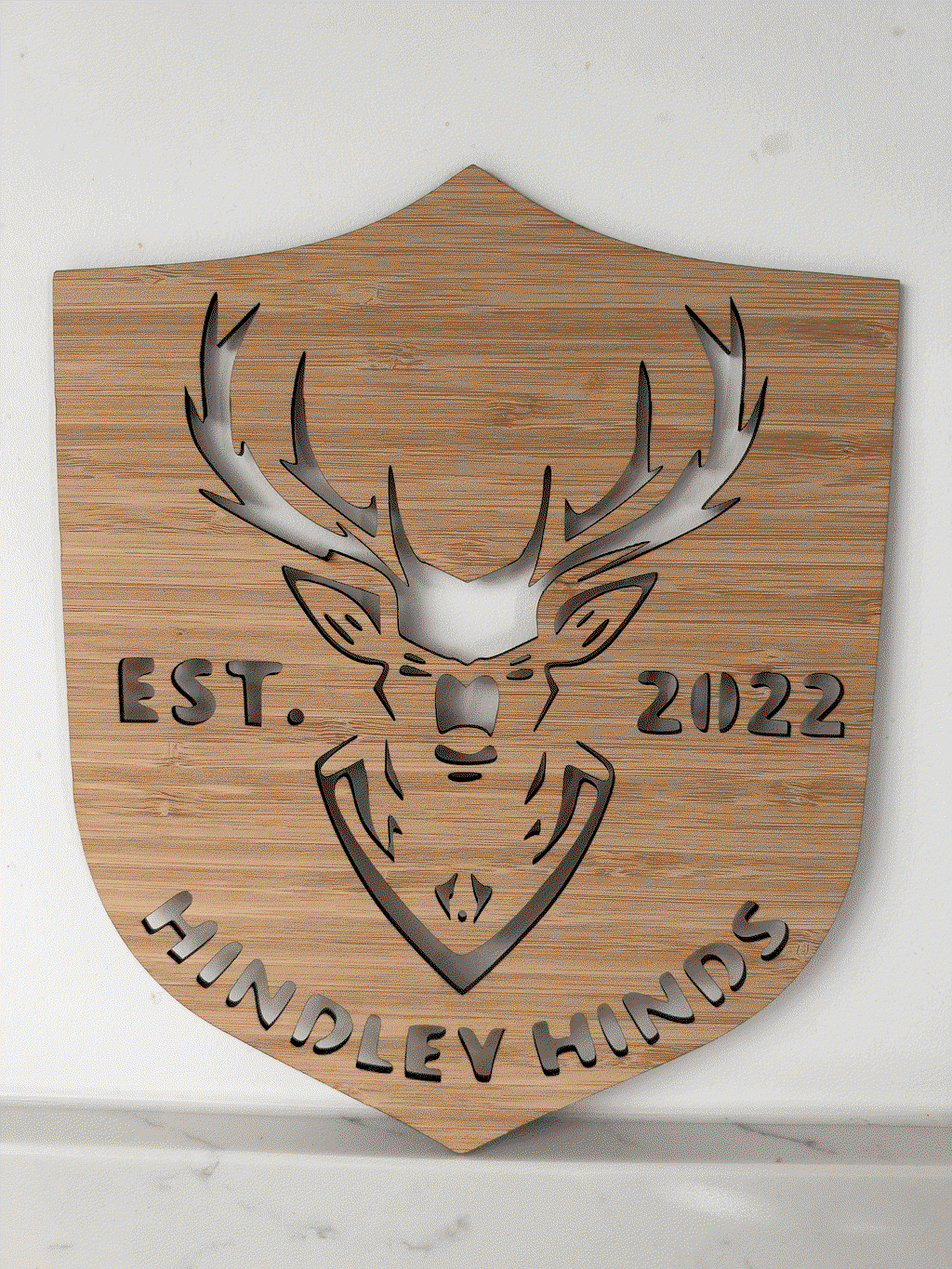
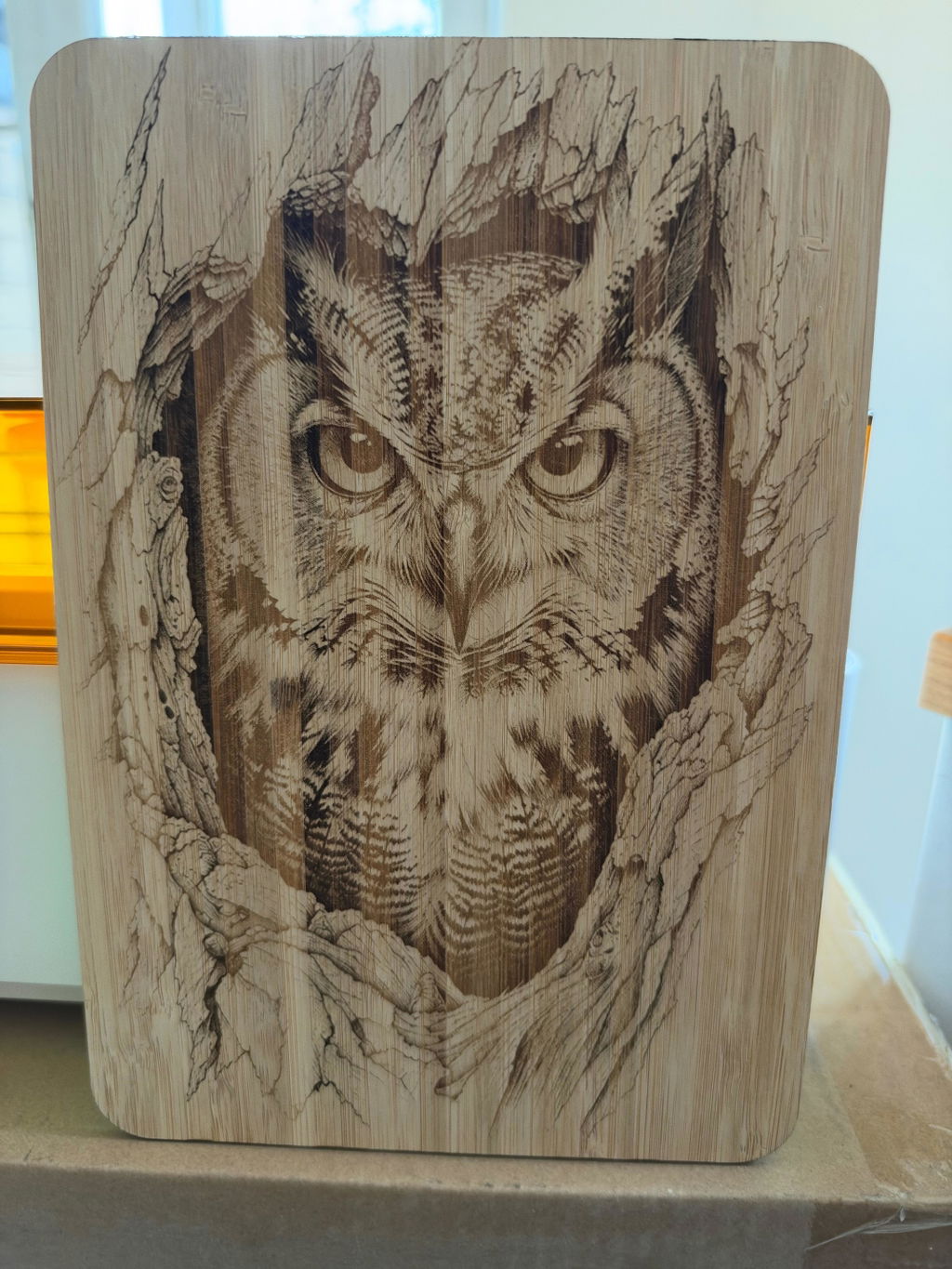
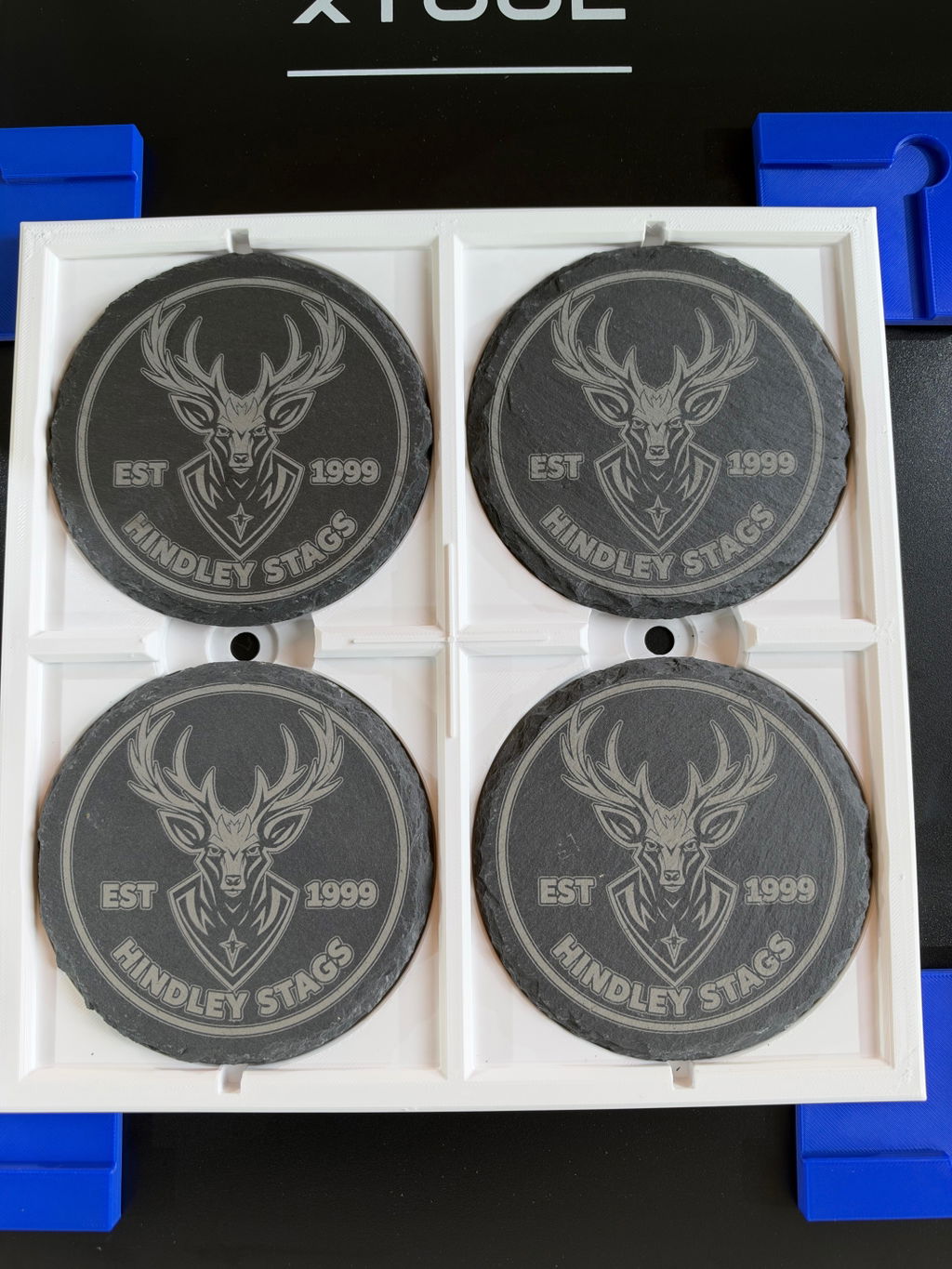
Engraved on wood, cut 3mm bamboo, engraved onto slate and printed onto wood and card.
Really impressed with the xtool m2, I have fantastic engraving on slate wood and glass, I also purchased the 3w infrared module which is really impressive, the ra2 lite rotary stand also a quality pice of kit, the only downside is the desktop purifier which is not really good enough, I should have bought a larger option at the time of purchase
The M2 is a great laser for anyone working from home, as it does not take up a lot of space.
I bought this for my carpathiansalt.com business, to personalize the wooden boxes for my salt and grater Carpathian Salt Box.
I'm happy with the machine, but I gave it 4 stars because I cant use a riser.
very Very good